
Digital work instructions give field technicians clear, visual, step-by-step guidance to execute complex work accurately, efficiently, and with confidence on every job.
This is where service organizations move beyond static manuals and disconnected video libraries, and put intelligent execution in the hands of every technician on every job.

Service procedures change constantly. Version control of PDFs, printed manuals, and one-off training videos is a nightmare, and they don't guide a technician through the work as it happens.
ResolveGrid's digital work instructions live inside the platform's intelligent execution layer. Every workflow combines step-by-step guidance, interactive 3D content, inline data capture, and instant access to expert support, completely up-to-date, delivered to any phone or tablet in the field.
Faster first-time fix
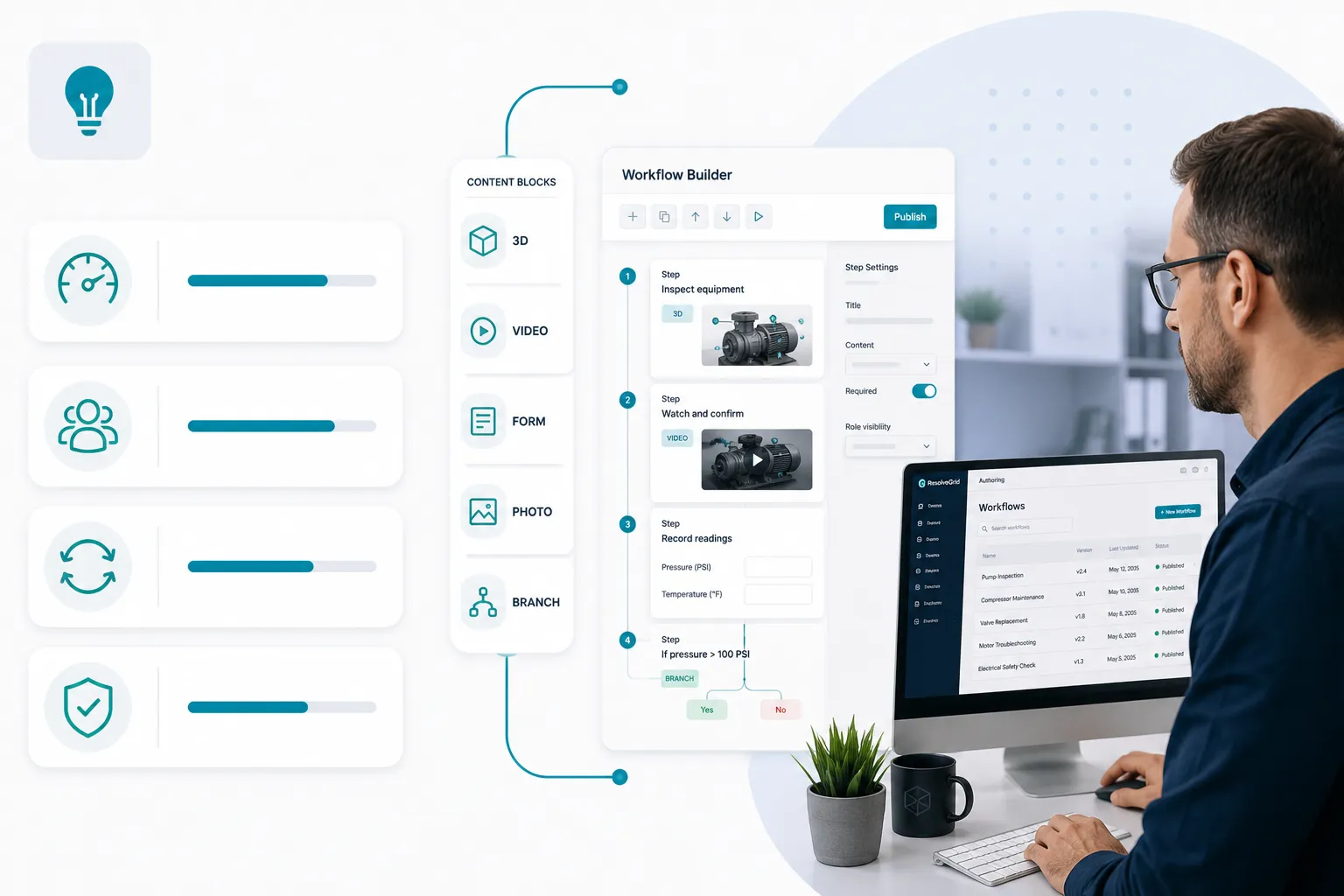

The builder is the web-based authoring environment inside ResolveGrid. Service engineers, training teams, and operations leads use the builder to turn standard operating procedures and documentation into intelligent workflows that technicians can execute on day one.
Workflows assemble from a library of content blocks, including 3D, video, forms, photo capture, and branching logic. Updates publish instantly to every technician in the field, with no app-store delay, no version control issues.
Faster procedure-to-production cycles
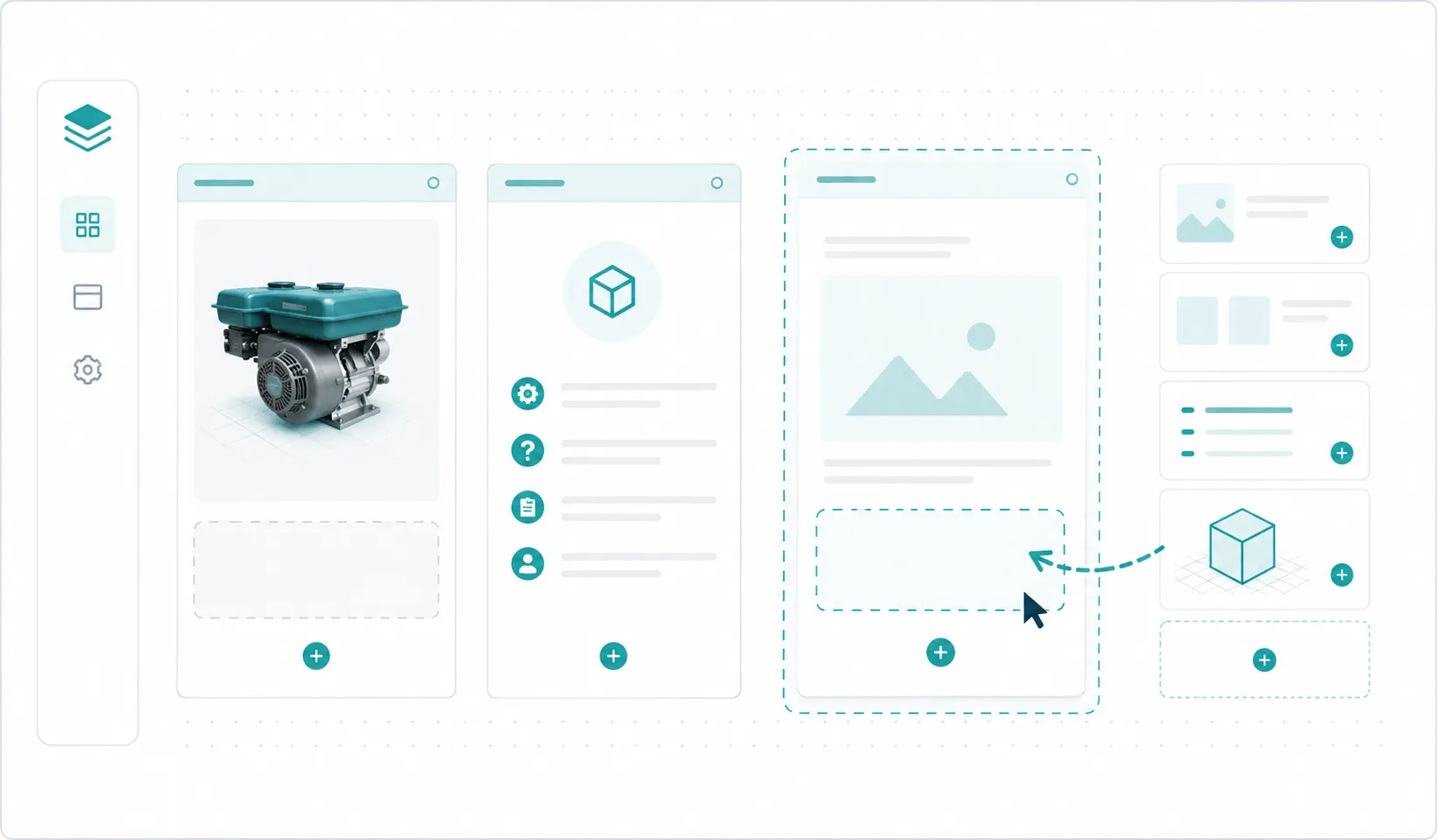
Choose from templates and customize each page of the workflow.
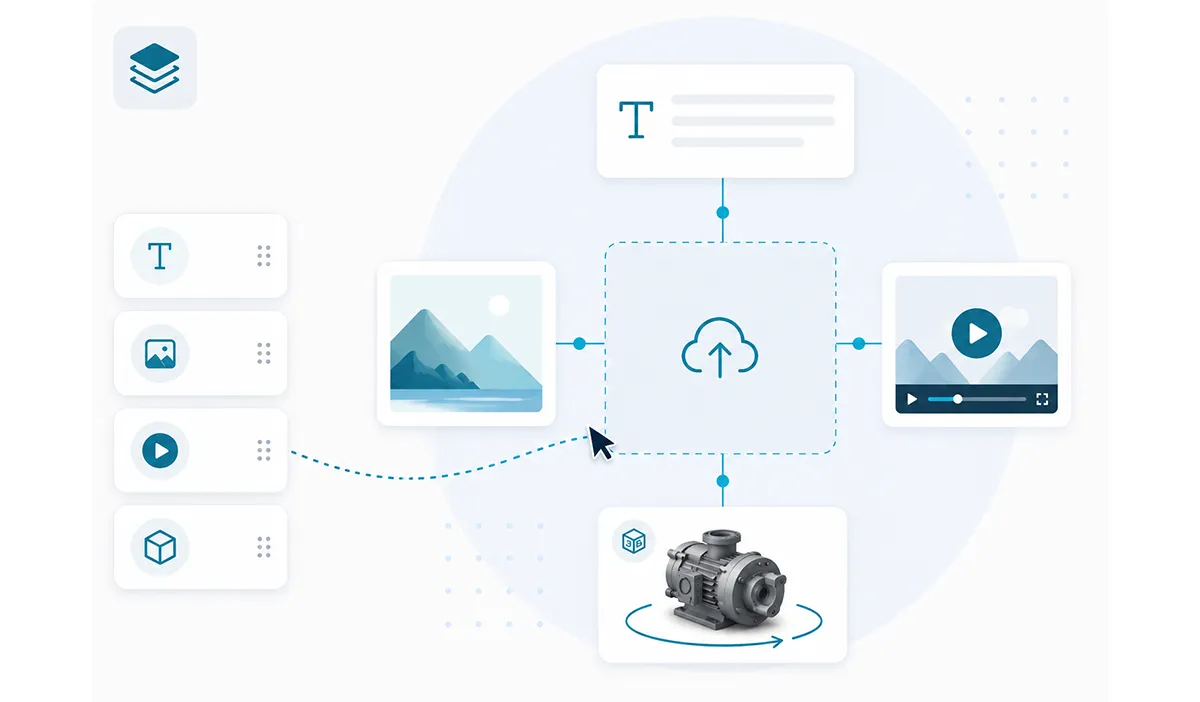
Drop in text, images, video, and interactive 3D content.
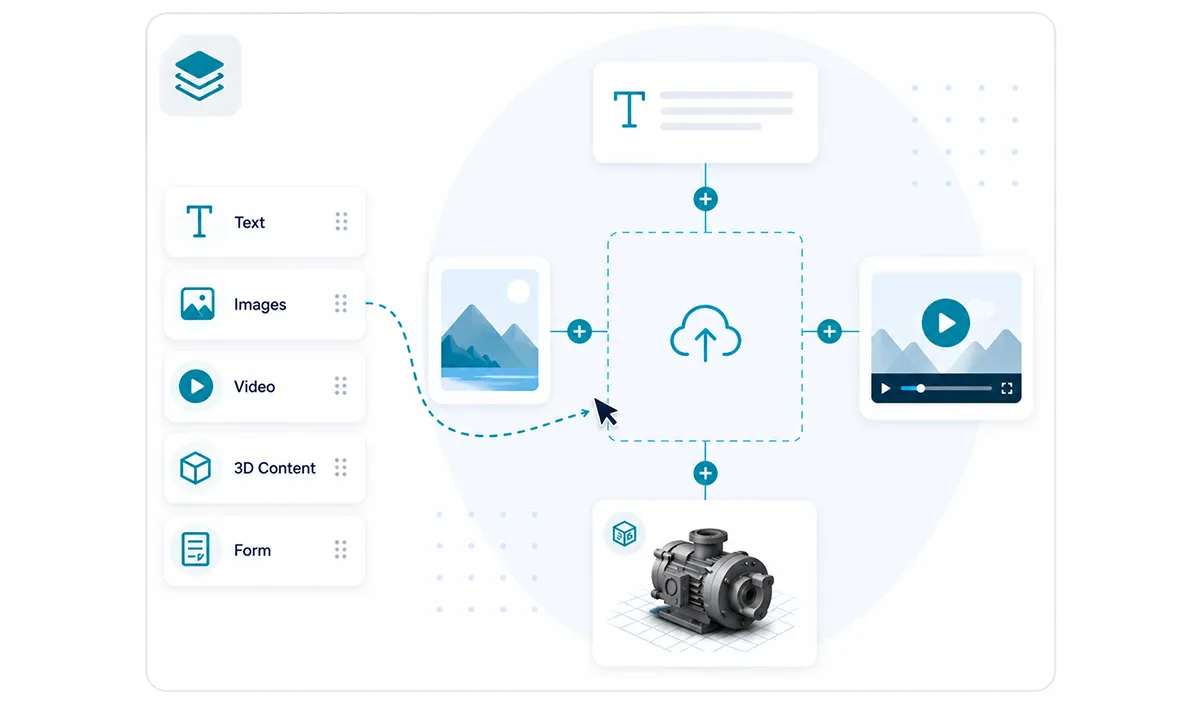
Connect pages into branching procedures with a single click.
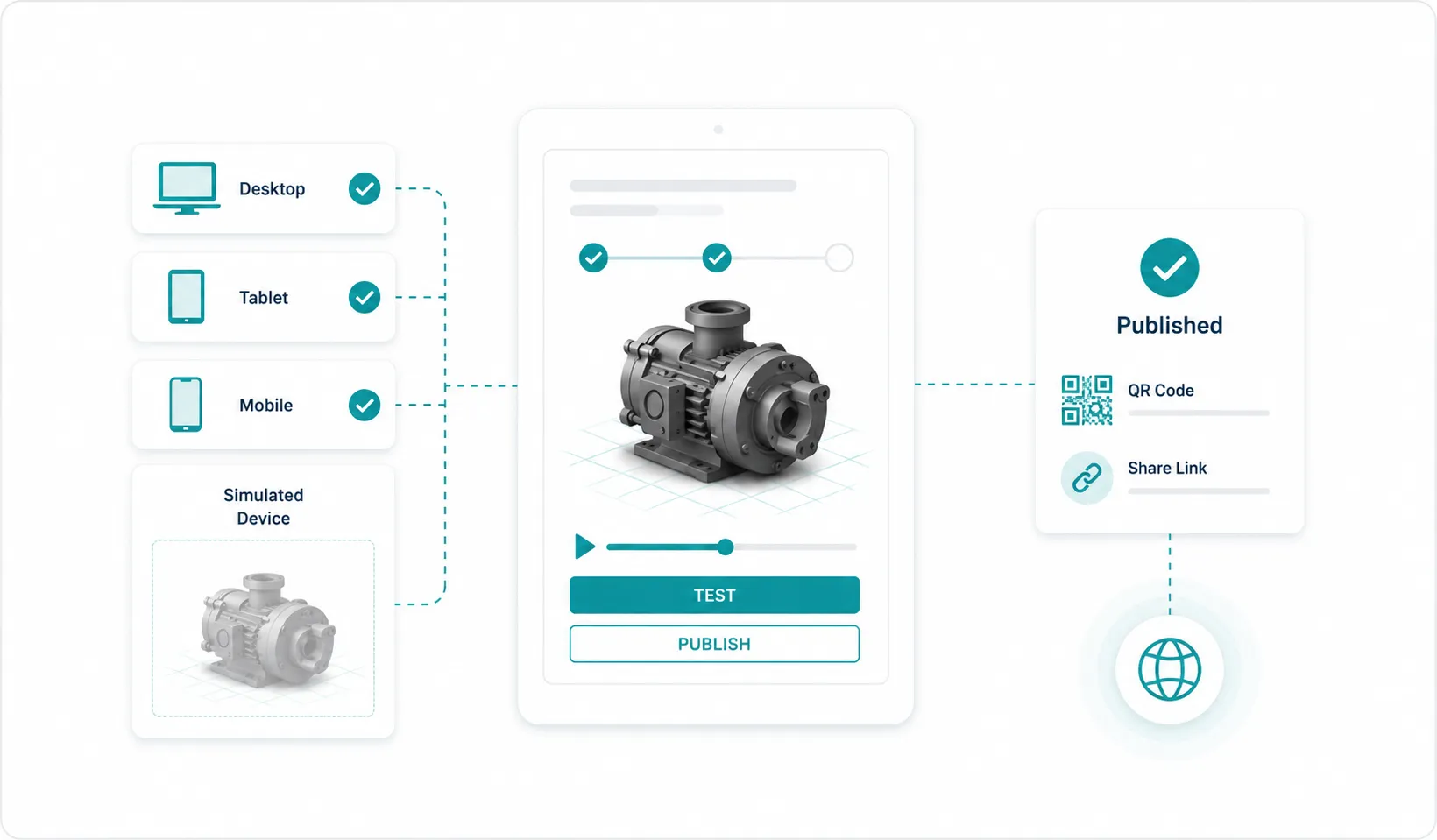
Test on a simulated or real device, then push live to the field.
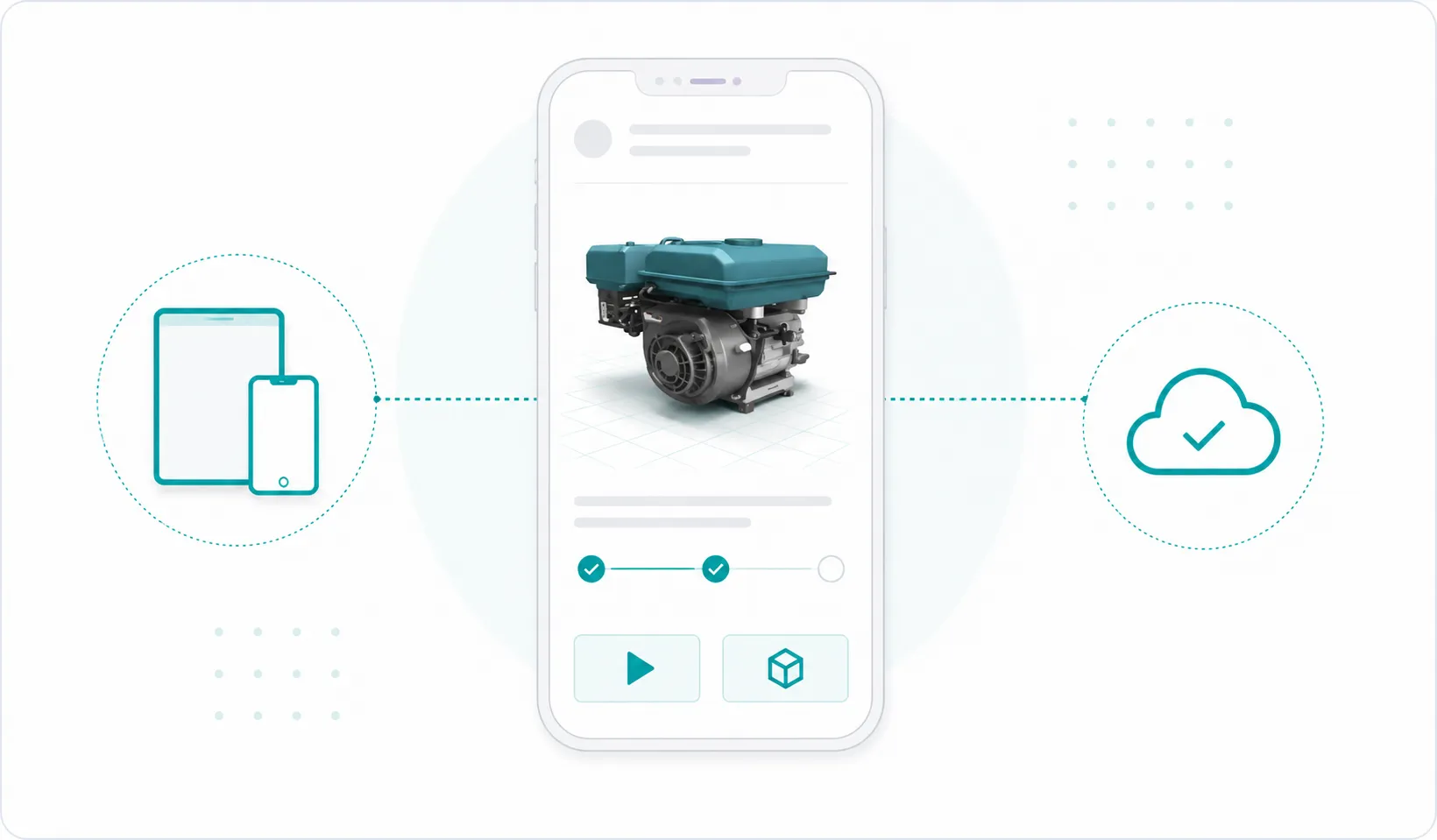
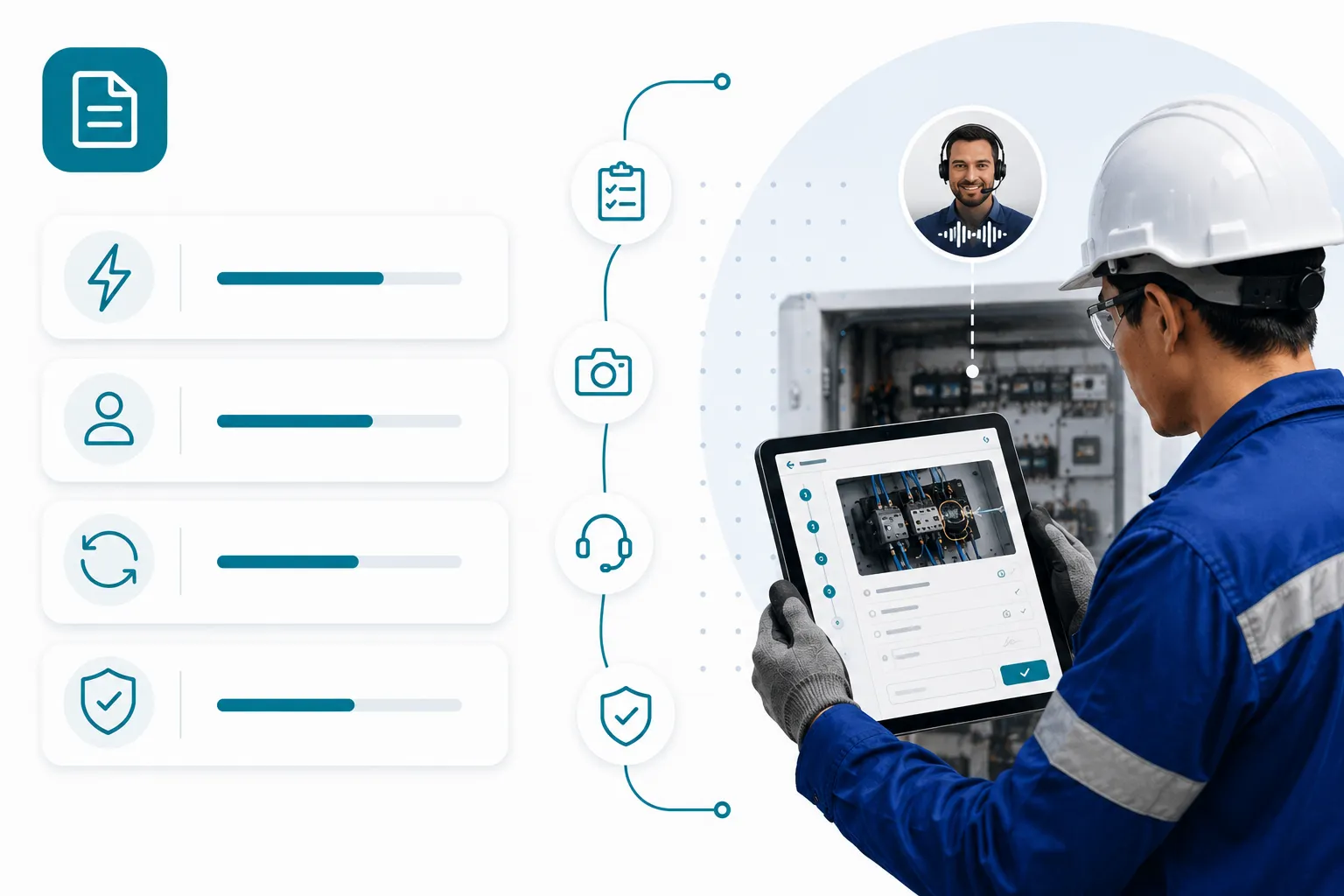
Technicians access the published workflow on phone or tablet.
Technicians launch a workflow by scanning a QR code, opening a link or browsing to the workflow. From there, every step is visually guided, using whichever mix of text, images, video, 3D content, photo capture, and inline forms the procedure calls for.
The platform captures readings, photos, and proof of work as the technician moves through the procedure, with everything synced back to your CRM, FSM, or ticketing system of record.
Visual context at every step

Service organizations use ResolveGrid to digitize the procedures that drive uptime, quality, and field productivity.
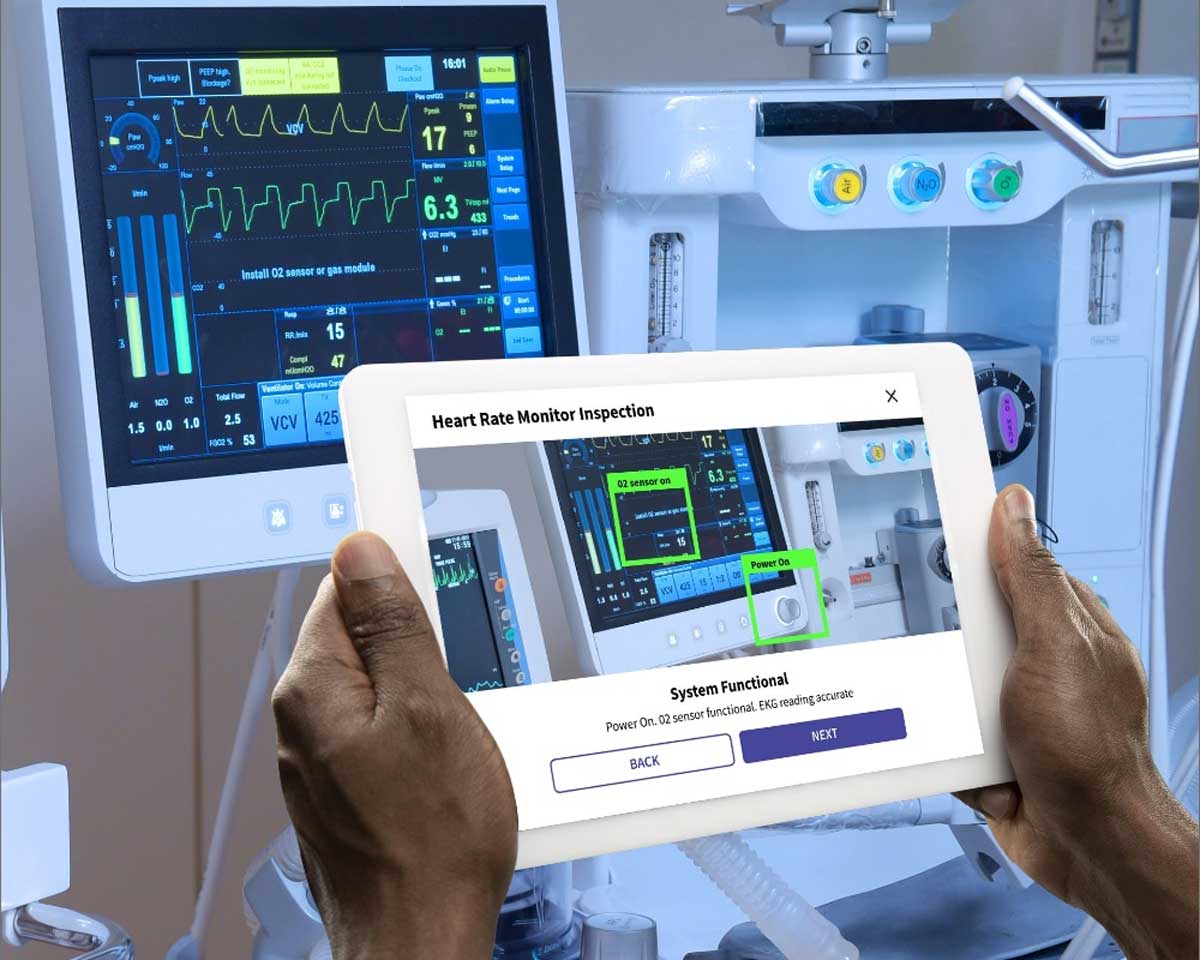
Step-by-step guidance with auditable artifacts of completed work.
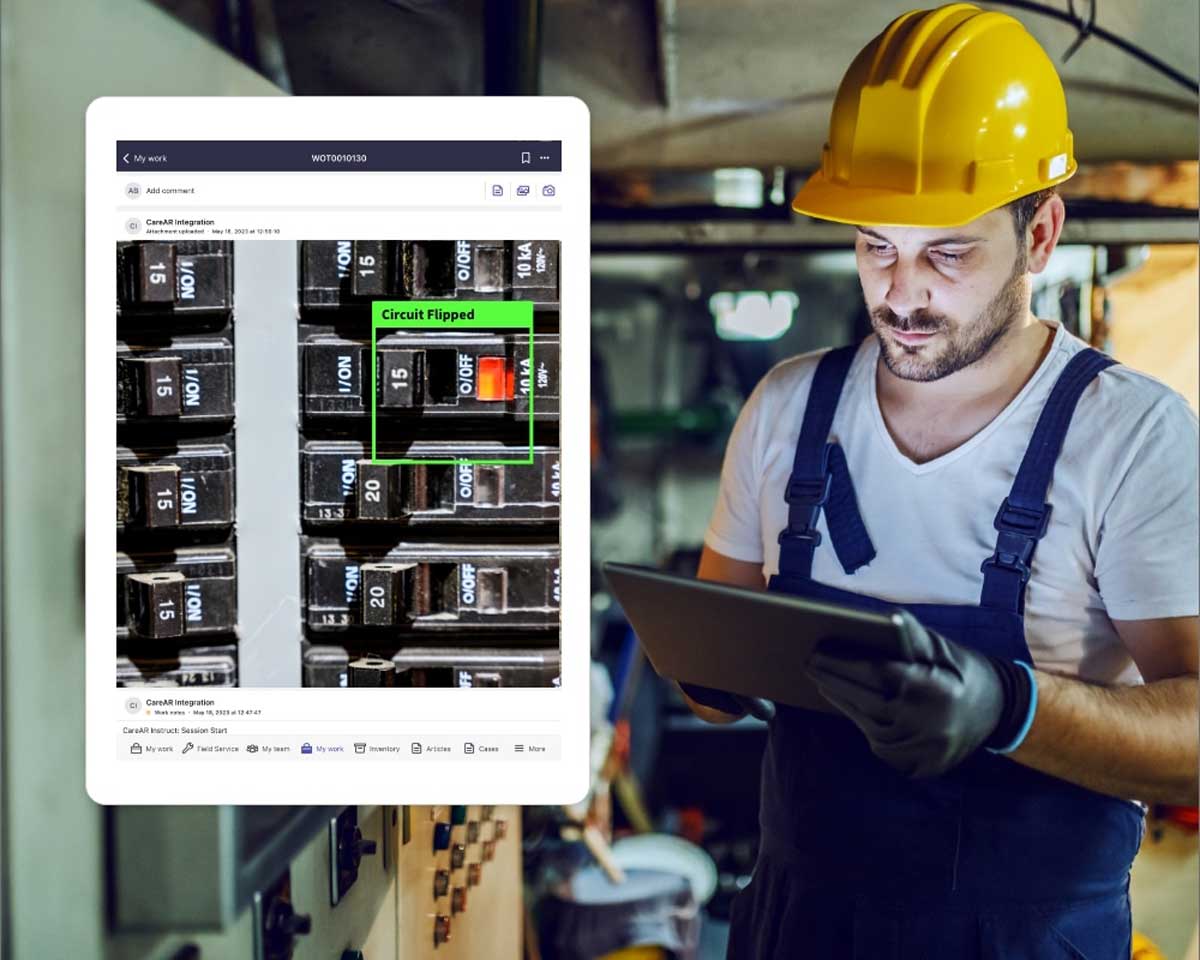
Standardized, never-miss-a-step inspections with inline data capture and system-of-record sync.
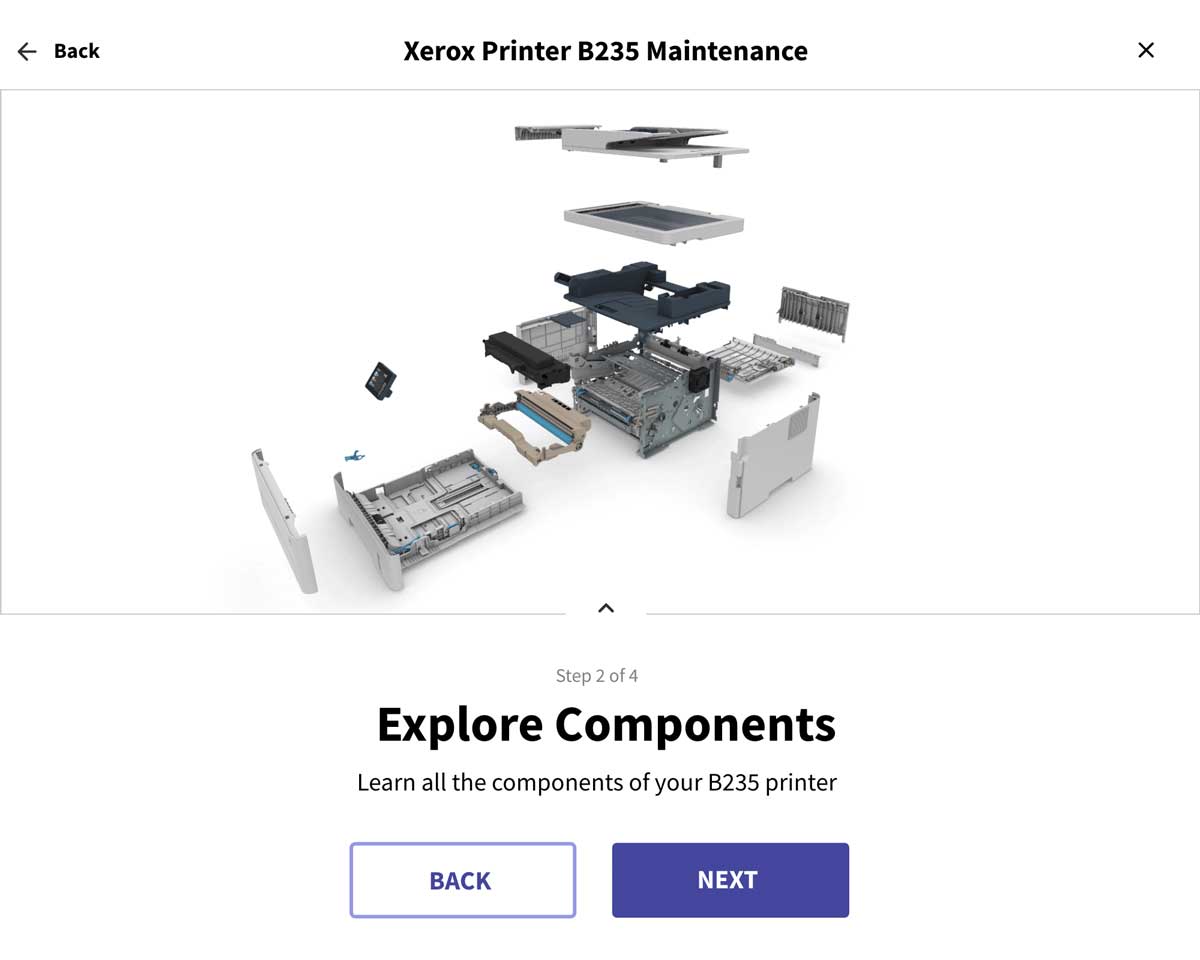
Branching, skill-aware troubleshooting paths that route technicians to the right next step.

First-line technicians and dispatchers capture site detail and asset photos to send the right specialist with the right parts.
Digital work instructions are interactive, step-by-step procedures delivered to a phone, tablet, or browser. They replace static PDFs and printed manuals with visual workflows that combine text, images, video, and interactive 3D content, so field technicians can execute the work accurately and consistently.
No. The builder is a no-code, drag-and-drop authoring environment. Service engineers, training teams, and operations leads can create, preview, and publish workflows without engineering support.
Workflows run in any modern browser and on the native mobile app, including on iOS, Android, and tablet devices.
Yes. Pre-built integrations cover common CRM, FSM, and ticketing platforms, and a public Web API supports custom integrations.
Discover how ResolveGrid helps service organizations turn expertise into intelligent workflows that field technicians execute with confidence.
Request a Demo